Troubleshooting False Alarms in Your Smart Home Security System in Bangalore
False alarms in smart home security systems are triggered events that do not indicate a genuine threat. Troubleshooting them involves identifying the cause, such as sensor malfunctions or environmental factors, and implementing solutions to prevent recurrence. Reducing false alarms not only saves you time and frustration but also avoids potential fines and unnecessary panic. Let's dive into how Bangalore homeowners can tackle this common issue.
Bangalore Site Story: The Case of the Indiranagar Cat Burglar (Not Really)
Mrs. Sharma, a resident of Indiranagar near the Defence Colony, contacted us because her brand new smart home security system was going haywire. Every night around 2 AM, the motion detectors in her garden would trigger an alarm, alerting her security company and, on one occasion, even prompting a police call-out. Initially, she suspected a burglar, but after reviewing the security footage, the culprit turned out to be a family of stray cats using her garden as their nightly playground.
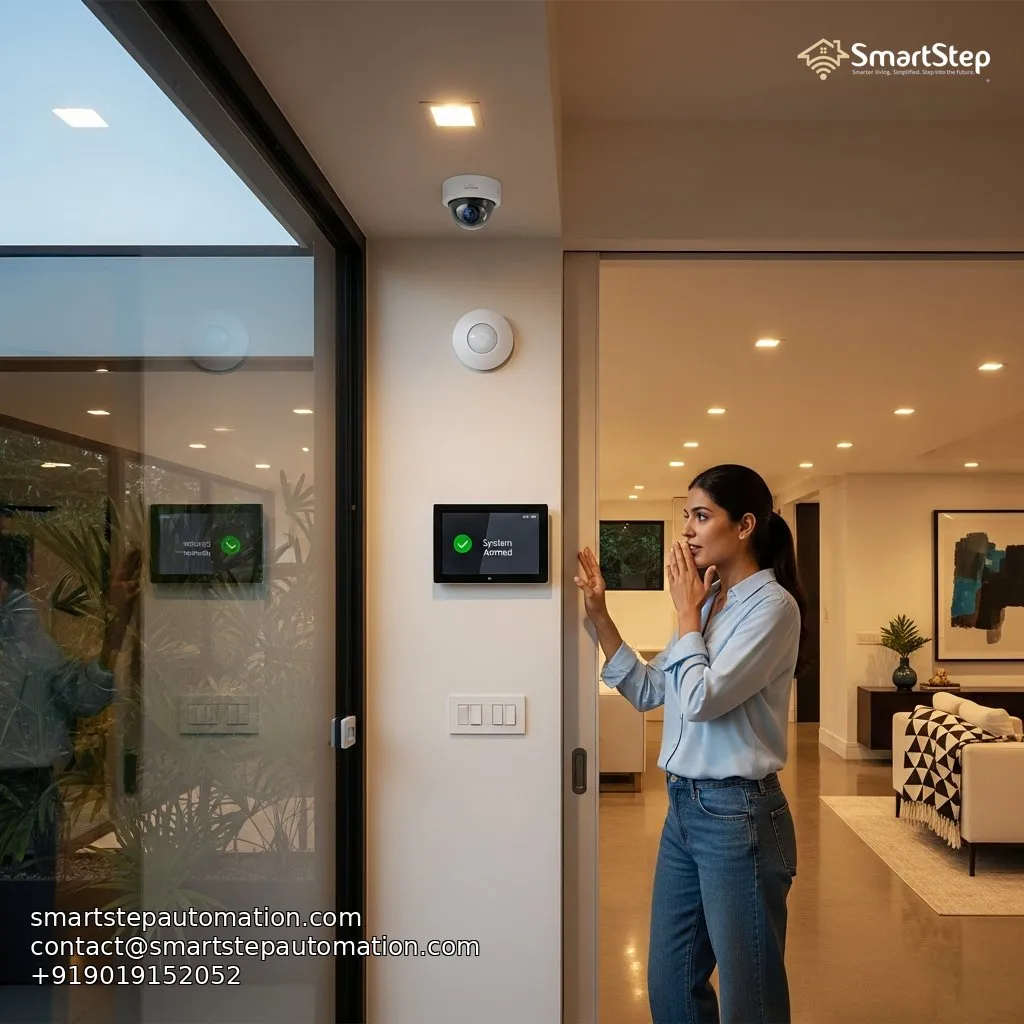
Frustrated and facing potential fines, Mrs. Sharma reached out to SmartStep Tech. Our team first calibrated the existing motion sensors' sensitivity settings. We then recommended and installed pet-immune sensors, which are designed to differentiate between humans and smaller animals. Finally, we adjusted the sensor's range, avoiding detection of movement outside her property line. After these adjustments, Mrs. Sharma's false alarm issue was resolved, bringing peace of mind back to her Indiranagar home. This is just one example of how understanding local conditions and tailoring smart home solutions can dramatically improve the user experience in Bangalore.
Identifying Common Causes of False Alarms
Here are some of the most frequent culprits behind false alarms in Bangalore smart homes:
- Faulty or Malfunctioning Sensors: Sensors can degrade over time, especially with Bangalore's dust and humidity.
- Incorrect Sensor Placement: Positioning sensors in direct sunlight, near AC vents, or facing busy streets can lead to false triggers.
- Low Battery Levels: Weak batteries can cause erratic sensor behavior and trigger false alarms.
- Pet Interference: As seen in Mrs. Sharma's case, pets can easily trigger motion detectors if not properly accounted for.
- Environmental Factors: Bangalore's weather, including heavy rains, strong winds, and changes in humidity, can affect sensor performance.
- Connectivity Issues: Weak Wi-Fi signals or network outages can cause sensors to malfunction and trigger false alarms. Proximity to locations like the Manyata Tech Park, and the resulting network congestion during peak hours can further exacerbate connectivity problems.
- Improper Installation: Incorrect wiring or setup can lead to inaccurate readings and false alarms.
- Outdated Firmware: Sensors need to be updated frequently to avoid unexpected behaviors.
Optimizing Sensor Placement for Bangalore's Weather
Bangalore's unique climate presents specific challenges for sensor placement.
-
Rain Protection: Ensure outdoor sensors are sheltered from direct rainfall to prevent water damage and false triggers caused by raindrops. Consider using weather-resistant housings.
-
Humidity Control: High humidity can cause condensation on sensor lenses, leading to inaccurate readings. Using sensors with built-in humidity compensation can mitigate this issue.
-
Sunlight Avoidance: Direct sunlight can trigger motion detectors. Position sensors away from direct sunlight exposure, especially during peak hours.
-
Wind Mitigation: Strong winds can move objects, like tree branches, within the sensor's range. Adjust sensitivity settings or relocate sensors to sheltered areas.
-
Temperature Sensitivity: Ensure sensors are rated to withstand Bangalore's temperature fluctuations. Extreme heat can affect sensor accuracy.
Maintenance Checklist for Smart Home Security Systems
Regular maintenance is crucial for preventing false alarms and ensuring your system's reliability.
| Issue | Potential Cause | Solution |
|---|---|---|
| Frequent False Alarms | Sensor Malfunction, Incorrect Settings, Pet Activity | Check sensor logs, adjust sensitivity, use pet-immune sensors, verify proper installation. |
| Sensor Not Responding | Low Battery, Connectivity Issues, Sensor Failure | Replace batteries, check Wi-Fi connection, inspect sensor wiring, contact SmartStep Tech for sensor replacement or repair. |
| System Offline | Power Outage, Router Issues, Service Interruption | Check power supply, reboot router, contact internet service provider, ensure cellular backup is active. |
| Camera Image Quality Poor | Dirty Lens, Poor Lighting, Weak Wi-Fi | Clean camera lens, improve lighting conditions, upgrade Wi-Fi router or add Wi-Fi extenders, reposition the camera. |
| Tamper Alerts | Loose Wiring, Sensor Damage, System Tampering | Inspect wiring connections, check sensor for physical damage, contact SmartStep Tech for professional inspection and repair. |
Adjusting Sensitivity Settings and Pet Immunity
Most smart home security systems allow you to adjust the sensitivity of your sensors. For motion detectors, start with the lowest sensitivity setting and gradually increase it until it reliably detects human movement without triggering false alarms.
- Pet Immunity: If you have pets, enable the pet immunity feature on your motion detectors. This feature allows the sensor to ignore smaller animals based on their size and movement patterns. Ensure the sensor is calibrated according to your pet's size and weight, using guidelines from the sensor manufacturer. This often involves carefully mounting sensors at a specific height.
Real User Math: Cost Savings from Preventing False Alarms
Let's calculate the potential cost savings of preventing false alarms:
- False Alarm Fine (Security Company): ₹500 per incident
- False Alarm Fine (Police Call-Out): ₹1000 per incident
- Time Wasted per False Alarm: 1 hour (including investigation and resetting the system)
- Hourly Value of Your Time: ₹500 (conservative estimate)
Scenario: Without proper troubleshooting, you experience 3 false alarms per month:
- Security Company Fines: 3 alarms * ₹500 = ₹1500
- Police Call-Outs (Average): 1 alarm * ₹1000 = ₹1000
- Time Wasted: 3 alarms * 1 hour * ₹500/hour = ₹1500
Total Monthly Cost: ₹1500 + ₹1000 + ₹1500 = ₹4000
Annual Cost: ₹4000 * 12 months = ₹48,000
By investing in proper troubleshooting, sensor maintenance, and professional SmartStep Tech installation, you can save upwards of ₹48,000 per year, not to mention the significant reduction in stress and inconvenience.
Addressing Connectivity Issues
Reliable connectivity is essential for your smart home security system to function correctly. If you experience frequent connectivity issues:
-
Check Your Wi-Fi Signal: Ensure your Wi-Fi signal is strong enough to reach all sensors. Use a Wi-Fi analyzer app to measure signal strength in different areas of your home.
-
Upgrade Your Router: If your router is old or outdated, consider upgrading to a newer model with improved range and performance.
-
Add Wi-Fi Extenders: Wi-Fi extenders can boost your Wi-Fi signal and extend its range to cover larger areas of your home, including outdoor spaces. Consider extenders placed strategically near areas like RMZ Ecospace if connectivity is weak due to interference.
-
Use a Mesh Network: Mesh networks provide seamless Wi-Fi coverage throughout your home, eliminating dead zones and ensuring reliable connectivity for all your smart devices.
-
Consider a Cellular Backup: A cellular backup ensures your security system remains connected even during power outages or internet service disruptions.
Seeking Professional Help from SmartStep Tech
Troubleshooting false alarms can be complex, especially for advanced smart home systems. If you're struggling to identify the cause of false alarms or optimize your system's performance, don't hesitate to contact SmartStep Tech. Our experienced technicians can provide professional assistance with:
- System diagnostics and troubleshooting
- Sensor calibration and placement optimization
- Connectivity issue resolution
- Firmware updates and maintenance
- System upgrades and enhancements
Investing in professional help can save you time, money, and frustration, and ensure your smart home security system provides reliable protection for your family and property. SmartStep Tech is dedicated to providing top-tier service in Whitefield, Sarjapur, Hebbal, and Indiranagar. Call us today for a consultation. #SmartHomeBangalore #HomeSecurityBangalore
Ready to Automate?
SmartStep designs systems that grow with you.